The first gaming machine is often bought twice. Someone picks a laptop because it feels flexible, then spends three years plugging it into a monitor and wishing the fans were quieter. Someone else builds a desktop, then moves flat twice in a year and carries a tower up four flights of stairs. Neither choice is a mistake. What separates a good purchase from an expensive lesson is how closely the machine matches the way you actually live.
Start With the Room, Not the Specs
Before you compare graphics chips, look at where the machine will sit. A desktop needs a desk, a socket, and enough space behind the case for cables and airflow. A laptop needs far less surface, but it still needs somewhere to breathe; blocking its vents on a bed or a cushion is the fastest way to make a fast machine slow.
Two questions settle most of this. Do you have a spot that belongs to you and won't be packed away? And how many times will you move in the next three years? A student in a dorm who goes home at weekends has a different answer from someone renting a flat with a spare corner.
The two-minute desk test
Sit where you would play. Measure the width and depth you have, note where the nearest socket is, and check whether a monitor would fit at a comfortable distance. Then imagine the same space with a keyboard, a mouse and a headset on it. If that picture doesn't work, no spec sheet will fix it.
Portability, Weighed Honestly
Gaming laptops are portable in the way a suitcase is portable. The chassis is only part of the load: add the power brick, a mouse, a headset, and often a stand or cooling pad, and the bag gets heavy quickly. Then there's the battery. Unplugged, most gaming laptops cut their performance sharply to protect themselves, so the machine that runs your games well at a desk behaves quite differently on a train.
That's still a real advantage if you need it. Playing in a shared living room, taking the machine between two homes, or joining friends for an evening of local multiplayer all become possible. A desktop can be moved too — twice a year it's a twenty-minute job with the original box and a bit of care. Moving it weekly is where it stops being fun.
Performance: Same Name, Different Chip
This is the part that trips up most first-time buyers. A laptop graphics chip often carries the same model name as a desktop card, but it runs inside a much tighter power and cooling budget. Laptops with the same badge can therefore perform quite differently from each other, and usually below the desktop version. When you read a review, make sure it covers the exact model you're considering, not just the chip inside it.
Cooling decides more than people expect. A thin laptop that sounds like a hairdryer under load will eventually slow itself down to stay safe, and the strip above the keyboard becomes uncomfortable to touch. Desktops have room for large fans and thick heatsinks, which is why they stay quiet and hold their speed for hours.
Think about the screen you'll actually play on. Laptops bundle one, which is convenient, but a 15-inch panel is a compromise for immersive games. A desktop lets you choose size and resolution separately, and 1440p or high refresh rates are easier to reach without paying for a bigger chassis. Decide early whether you want to play at a desk or from the sofa on a television; that answer changes what you buy.
Cost: Compare the Whole Package
A laptop's price covers the screen, keyboard, trackpad, battery, webcam, speakers and operating system, plus one warranty for everything. A desktop's price often covers only the tower. Add a monitor, keyboard, mouse and operating system and the gap narrows, sometimes disappears. Compare complete setups, not headlines.
Where the money quietly goes
- A dock, second monitor or cooling pad that the laptop seemed to make unnecessary.
- A replacement battery a few years in, often the first component to fail.
- Out-of-warranty board repairs, which can cost more than the machine is worth.
- Peripherals you'll want anyway: a headset that fits, a mouse that suits your hand, a stand.
- Backup storage, on either machine, which almost nobody budgets for and everybody needs.
It helps to think in cost per year rather than cost today. A desktop can be refreshed one part at a time and stay useful for a long stretch. A laptop is usually replaced whole, which means its price is closer to the price of the next five years.
Upgrading, Repairing and the Fourth Year
Desktops are built to be opened. Swapping a graphics card, adding memory, fitting another drive or replacing a noisy fan are all jobs a beginner can manage with a screwdriver and a video. Laptops vary enormously. Some let you add memory and storage; others solder everything down. Before buying, find out how many storage slots there are, whether the memory is soldered, and how hard it is to open the case and reach the battery.
Repairs follow the same pattern. Desktop parts are standard, so a local shop can replace one component and hand the machine back. Laptop parts are proprietary, damage from a spilled drink can write off the whole unit, and warranty service often means sending it away for weeks.
A desktop ages part by part. A laptop ages all at once.
That shows up around the fourth year. Fan bearings get noisy, thermal paste dries out, vents clog with dust, hinges loosen and batteries swell. On a desktop these are separate, inexpensive fixes. On a laptop they arrive together, and one failed component can sideline the whole machine. Whichever you choose, keep your files backed up somewhere else and clear the vents every few months.
A Checklist to Run Before You Pay
- Count how many times you'll move the machine in the next two years, including trips home.
- Confirm you have a desk, a socket and clearance for airflow — or admit that you don't.
- Pick your target resolution and frame rate before you pick a machine.
- For a laptop, read reviews of the exact model for fan noise and sustained performance, not just the chip name.
- Ask whether memory and storage are accessible, and how many slots there are.
- Check that the ports match your gear, especially if you plan to use an external monitor or a wired connection.
- Find out who repairs the machine near you and how long warranty work usually takes.
- Add peripherals and backup storage to the budget before comparing totals.
- Choose a bag with room for the charger, and a stand that lifts the vents off the desk.
How to Decide This Week
If you move often, share your space, or have no fixed desk, buy the laptop and accept that it will be replaced sooner. If you have a corner that stays yours and you'd rather spend less over five years, buy the desktop and put the difference into a monitor you'll keep.
There's a middle path that suits a lot of people: a modest desktop for serious play plus a cheap, light laptop for classes, work and travel. It costs roughly what a single high-end gaming laptop does, and each machine does its job without compromise. Whichever route you take, buy the boring things first — a screen at a comfortable height, a chair you can sit in for two hours, and an external drive for your saves.
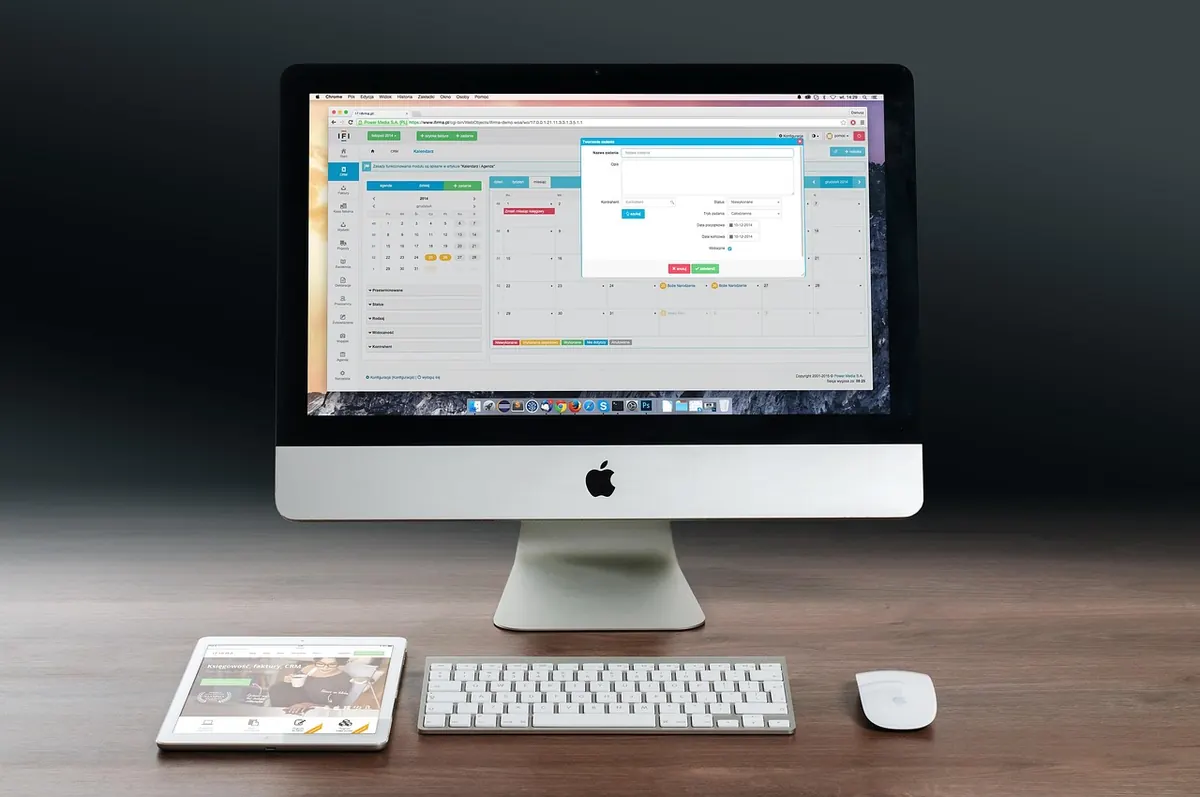
Photo: ykaiavu / Pixabay